
What is a behavior-based trigger?
A behavior-based trigger is a special moment in your product lifecycle which can be leveraged to encourage users to share the product with their networks. These triggers can be associated with completing a specific action, such as inviting team members or reaching an "aha moment"— a moment of delight where users experience significant value or satisfaction while interacting with your product. These moments typically prompt users to feel compelled to share their experience and effectively boost the conversion rate from users to referrers.
How does it work?
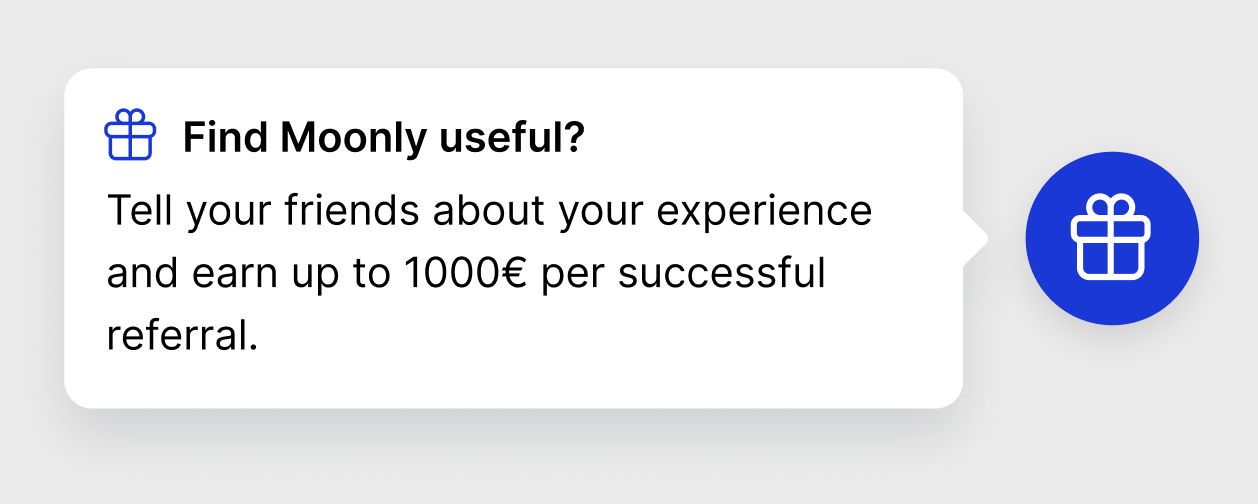
When a behavior-based trigger occurs in your product, you can report it to Cello as a MilestoneReached event using our Cello API event. This event will immediately trigger an in-app announcement to the user. Together with Cello, you can define an announcement that will be triggered inside your product. The announcement should encourage the user at this moment to share the product.
To learn more about how to use Generic Event API including authentication, go to Generic Event API guide
Example use case
A specific user viewed five presentations
You can report that moment to Cello as a
MilestoneReachedevent when the trigger occursThe user will immediately receive an announcement that will encourage them to share
Example Request
To attribute that event and notify the right product user, attach the productUserId to the post requests. Specify the name of the moment as trigger
Name | Type | Description | Required |
|---|---|---|---|
eventName | string | name of the event. |
|
productUserId | string | A reference to the Id of the user within your system. |
|
trigger | string | name of the special "aha" moment |
|
Testing Behavior-based trigger and announcement position
While choosing Announcement Selector and choosing its position, you will want to see how it looks and make necessary adjustments. You can trigger an announcement by sending a MilestoneReached event using our Cello API. Below is a simple Python script to trigger such event.
