
Introductions
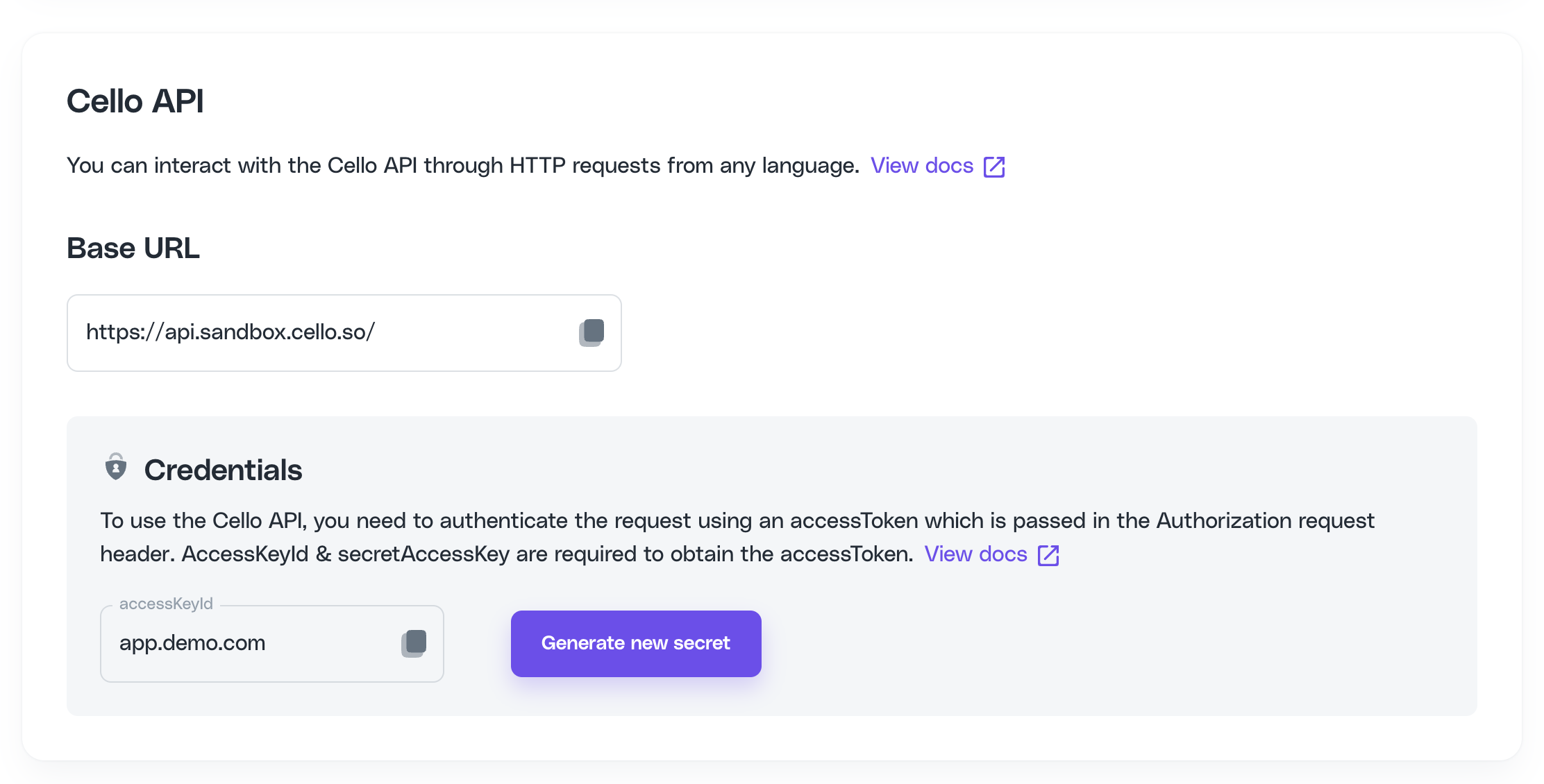
You can interact with the Cello API through HTTP requests from any language. Cello API provides 3 endpoints: Events to report and push (generic) events directly to Cello, Referral Codes to validate referral code (UCC) and Active link to retrieve an active referral code (UCC) and invite link for your user.
Domain base URL's
Use the Domain base URL that corresponds with the environment.
Endpoint URL | Environment |
|---|---|
| Dev and Stage |
| Prod |
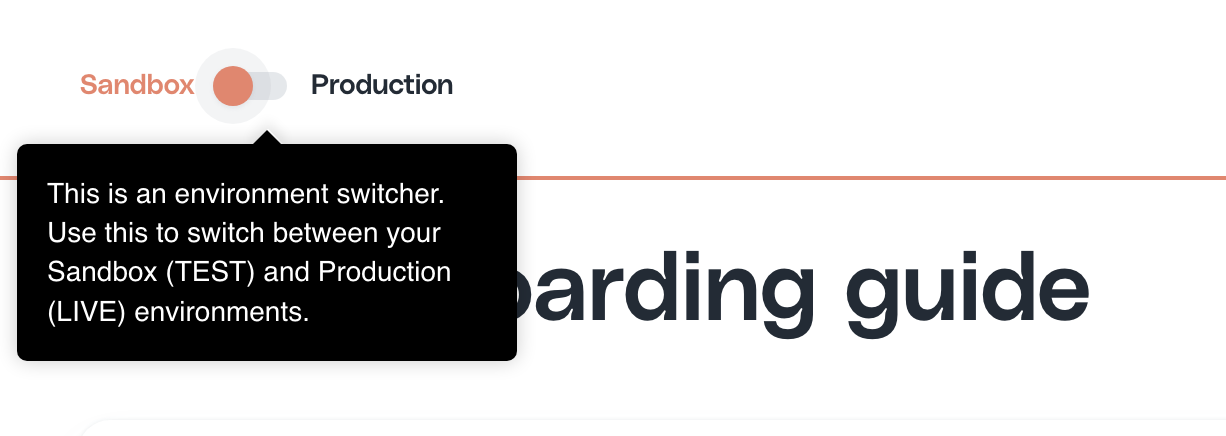
💡 Switch environments in the Portal using a switch to get the credentials
Authentication
To use the Cello API, you need to authenticate the request using an accessToken which is passed in the Authorization request header.
To obtain them you will need accessKeyId & secretAccessKey which you can get from your product dashboard on Access Keys page.
The value of expiresIn specifies after how many seconds the token expires.
Obtain accessToken & refreshToken
Refresh accessToken
Events (Generic Events API) /events
This API provides a way to report and push referral update events to Cello.
Use cases:
New user signs up for your product based on a referral link.
New user schedules a demo call based on a referral link.
New user buys a subscription directly after the signup or after he or she tested the product.
New user cancels his or her subscription.
New user adds new seats to his or her active plan.
Basic Event Envelope
The eventName with Value ReferralUpdated is always required
Payload
The payload is the main body of the event and usually contains all the necessary data for Cello to be able to accept and process your event. It is being validated based on a prescribed structure.
All additional fields present in the payload are stripped away. If you want to pass custom fields, consider using the context.
Payload fields:
The parameter ucc and newUserId must be always present in the payload.
Name | Type | Comment | Required |
|---|---|---|---|
ucc | String | The used ucc of the referral | Yes |
newUserId | String | A reference to the Id of the referred (new) user within your system. | Yes |
price | Number | The amount of the subscription or transaction in Cents | Optional |
currency | String | ISO currency string eg. EUR, USD, GBP or PLN | Optional |
Context
Please add additional metadata in the context that helps Cello to attribute the event. It supports all valid JSON objects.
Pre-defined fields for the context:
Name | Type | Comment or Example |
|---|---|---|
event.trigger | String | Action that triggered the referral event. Pre-defined options: “new-signup” “demo-call-booked” “demo-call-attended” “demo-call-canceled” “subscription-created” “subscription-updated” “subscription-canceled” “invoice-paid” |
event.timestamp | timestamp | “2022-10-05 14:14:34”, “2022-11-20T03:18:01.620Z”, … |
newUser.id | String | A reference to the Id of the new user within your system. |
newUser.email | String | Email of the new user. |
newUser.name | String | Name of the new user. |
newUser.organizationId | String | Organization of the new user. Add this, if your referrers can refer an organization rather then a single user and you want to reward based on that. |
subscription.id | String | A reference Id to subscription within your system. |
subscription.interval | String | "one-time", "monthly", "quarterly", "yearly", "biennial", "triennial", "lifetime" |
subscription.seatsUsed | String | Number of seats attached to a user account. |
subscription.invoiceId | String | Unique Id of invoice (required for the invoice-paid event) |
Find out which flow suits your product and find the required events here.
Example Request
This is an example request for a new-signup event.
Example Response
Successful
Invalid
Referral codes /referral-codes
Referral codes endpoint allows you to find out which user does the referral code i.e. unique campaign code and check if the the unique campaign code is valid.
Checking who the code belongs to
If you need to find out which one of your users has referred a new user, you can simply pass the unique campaign code which the new user signed up with and we will return the user's productUserId this ucc belongs to.
We advice not to store the mapping between the ucc and the productUserId, as you can always retrieve it over the API and one user can have multiple ucc's as they as they identify a campaign.
Validating unique campaign codes
Most of referral programs award / provide discounts to new users if they were invited by someone using a referral program. A referred user will have a UCC of a user who referred them attached to them and that is mostly how you identify if they are eligible for this kind of discount.
To make sure that the discounts are applied correctly and the UCC has not been compromised along the way, you need to make sure that it is a valid UCC before applying a discount
Request
Response
Valid UCC
Invalid UCC - user does not exist
Invalid UCC - user blocked
Active link /active-link
/active-link endpoint allows you retrieve an active ucc and invite link for your user. Using this endpoint, you can implement a range of use cases for Contextual sharing to increase the reach of your referral program.
Request
To get the current active link and ucc for your user, pass productUserId in the request
Response
In the response you will receive users active ucc and their full invite link
Returns
activeUcc- active unique campaign code or referral code for the current logged in userlink- personal invite link for the current logged in user
